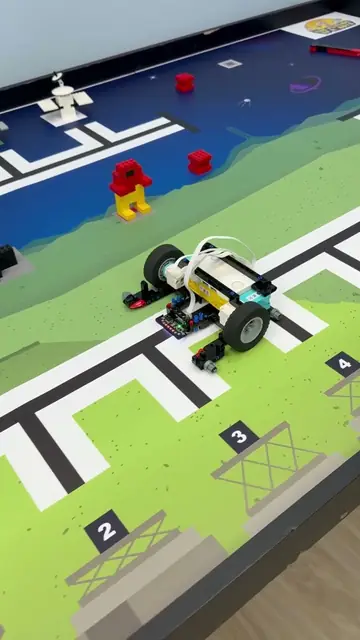
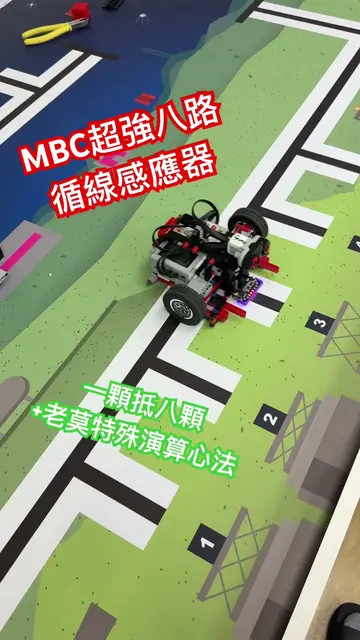
pyBricks for EV3
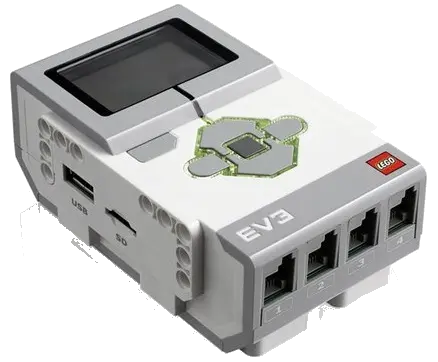 +

Warning
Please Note: You are currently viewing the tutorial for the 【EV3 pyBricks】 environment. If you are using SPIKE or other EV3 software, please click the button above to return to the hub menu and reselect.
Applicable to users who have installed the pyBricks third-party firmware on the LEGO® MINDSTORMS® EV3 hub. In the high-level Pybricks MicroPython environment, players can completely bypass official communication and mode limits, and communicate with the 16-Way Line Follower at high speed in the most concise and efficient way!
Note
Firmware version The stable code.pybricks.com now includes EV3 firmware (v4.1.1 as of 2026-10). The examples on this page were first bench-tested on v4.0.0b10; v4.1.1 uses the same code.
Important
Mode Switching Delay Warning Due to the underlying communication mechanism limits of the EV3 hardware, when the program switches between different underlying reading modes, there will still be a communication waiting delay. Strong Recommendation: To ensure program stability and high-speed response, please choose one mode to use based on your task needs, and do not frequently cross-call functions of different modes in the main loop (the functions below have been marked with their mode group for you).
Reading Methods and Core Modes
In the EV3 Pybricks environment, this line follower provides two flexible data reading channels to adapt to different project needs:
- Native Command Reading (
device.mode): Directly switch the sensor's underlying UART mode to get array data, which is the most direct operation. - Import Exclusive Library Functions: By importing our encapsulated Python functions, you can obtain independent variable returns as intuitive as blocks, greatly simplifying code logic.
Example Programs and Functions Download (Packaged Download)
We have provided core example programs and exclusive library functions. Please choose according to your development habits:
Method 1: Native Command Reading
Use Pybricks' underlying hub.port.X.device.mode(mode) to directly get array data.
device.mode(0)
Tuple (1 Byte)
Beginner Mode: Returns standard position offset [-16, 16], 0 is center.
device.mode(1)
Tuple (8 Bytes)
Full View Debug Mode: Returns 16-channel compressed light values. Two adjacent channels are compressed into a two-digit number (11~99).
device.mode(2)
Tuple (4 Bytes)
Competitive Tactical Weapon: Returns high-precision position [-100, 100], line width [0, 16], left boundary physical light value, and right boundary physical light value.
Waiting for Pybricks Official Command Update
Because official graphics and underlying commands updates are still pending, native example programs in this section will be supplemented later.
Currently, we strongly recommend you directly use "Method 2: Import Exclusive Library Functions" below for high-level development!
Method 2: Import Exclusive Library Functions
By importing encapsulated Python subroutines, you get independent variable returns, greatly reducing code complexity.
Available Functions Overview
— Provided byMBC_line16_EV3_Lib.py
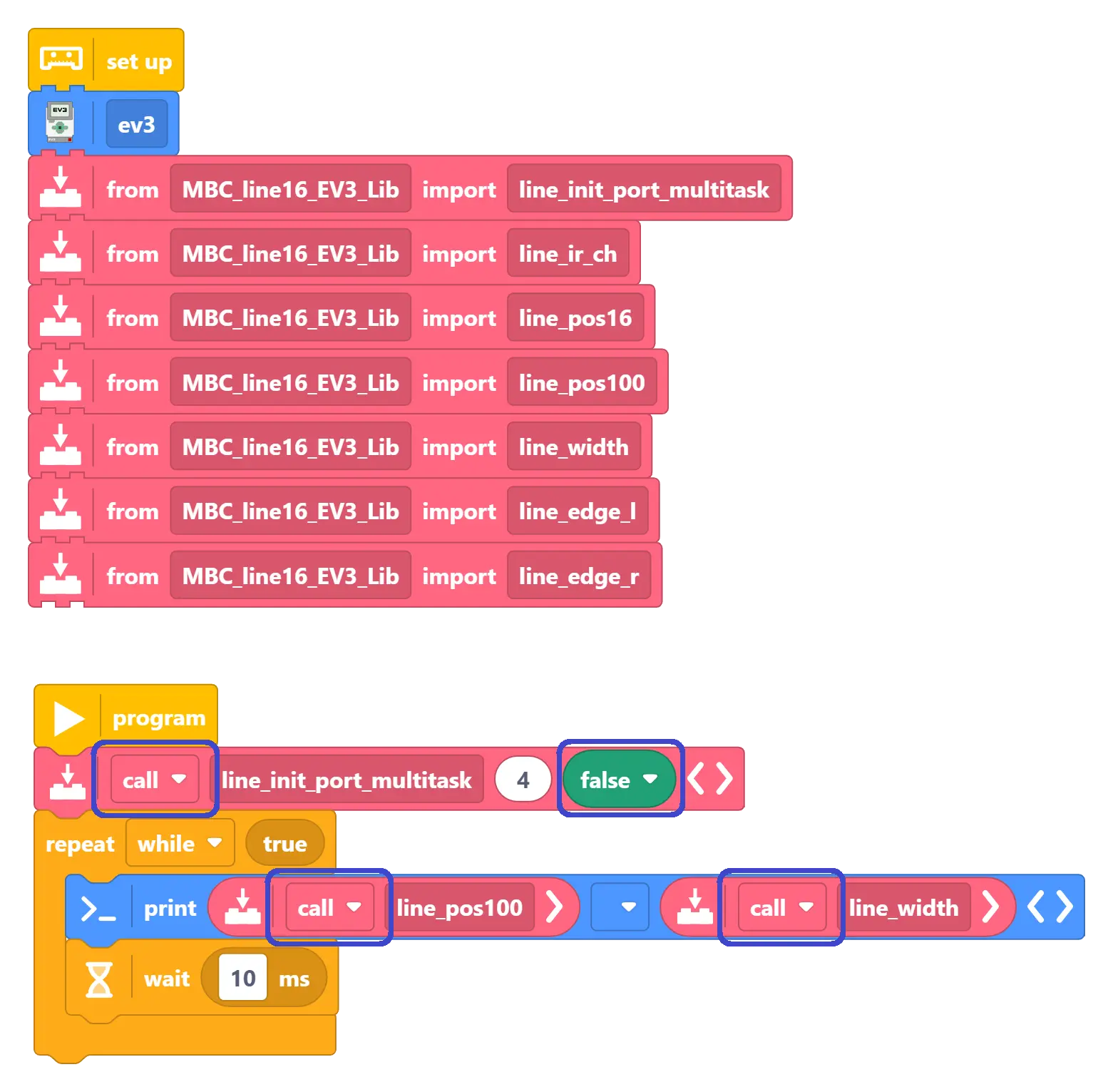
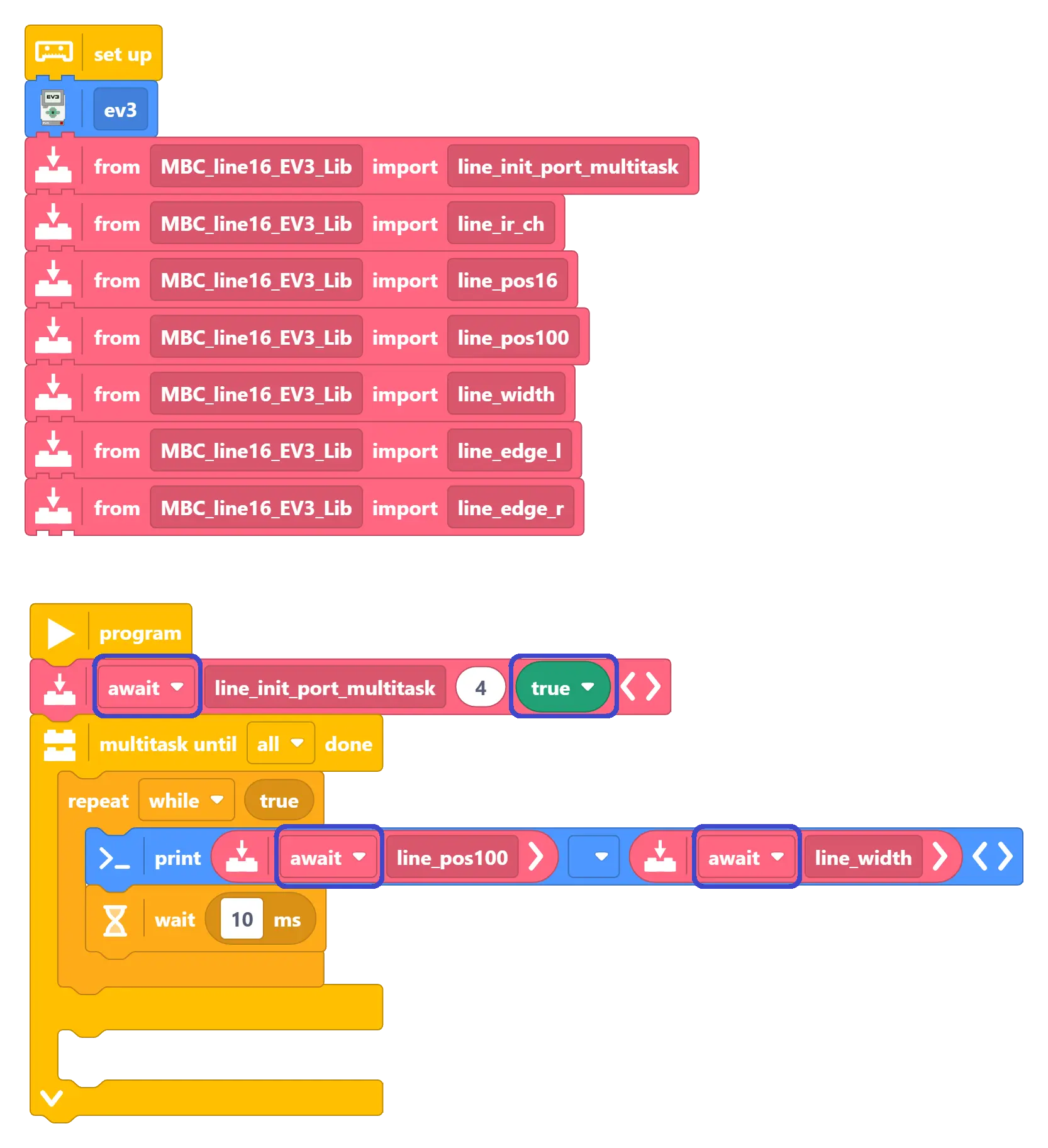
line_init_port_multitask(port, multitask)
Initialize the sensor port. port passes the EV3 port object (e.g., hub.port.S1).
👉 Non-multitask mode: The second parameter multitask should be False, select call when calling functions.
👉 Multitask mode: The second parameter multitask should be True, select await when calling functions.
[Mode 0: Basic]line_pos16()
-16 ~ +16
Get integer-resolution line position. 0 is dead center, negative is left, positive is right.
[Mode 1: Decode]line_ir_ch(ch)
1 ~ 9
Get real-time quantized light value of a single sensor channel. ch=1~16. 1=darkest, 9=brightest.
[Mode 2: Comp]line_pos100()
-100 ~ +100
High-resolution sub-pixel interpolated position, specifically designed for high-end PID / PD control.
[Mode 2: Comp]line_width()
0 ~ 16
Get feature line width (number of triggered sensors). Can be used to detect intersections and wide lines.
[Mode 2: Comp]line_edge_l()
0 ~ 100
Get the physical light value of the left boundary sensor (0=black, 100=white), used for derailment prevention.
[Mode 2: Comp]line_edge_r()
0 ~ 100
Get the physical light value of the right boundary sensor (0=black, 100=white), used for derailment prevention.
Important
Mode Switching Delay Warning Due to the underlying communication mechanism limits of the EV3 hardware, when the program switches between different underlying reading modes, there will still be a communication waiting delay. Strong Recommendation: To ensure program stability and high-speed response, please choose one mode to use based on your task needs, and do not frequently cross-call functions of different modes in the main loop (the functions above have been marked with their mode group for you).
Practical Advice: It is strongly recommended that general users and competitors use the [Mode 2: Comp] function group throughout;
Only when you need to read the raw values of all sensors for "custom special algorithm" development is it recommended to use [Mode 1: Decode] alone.
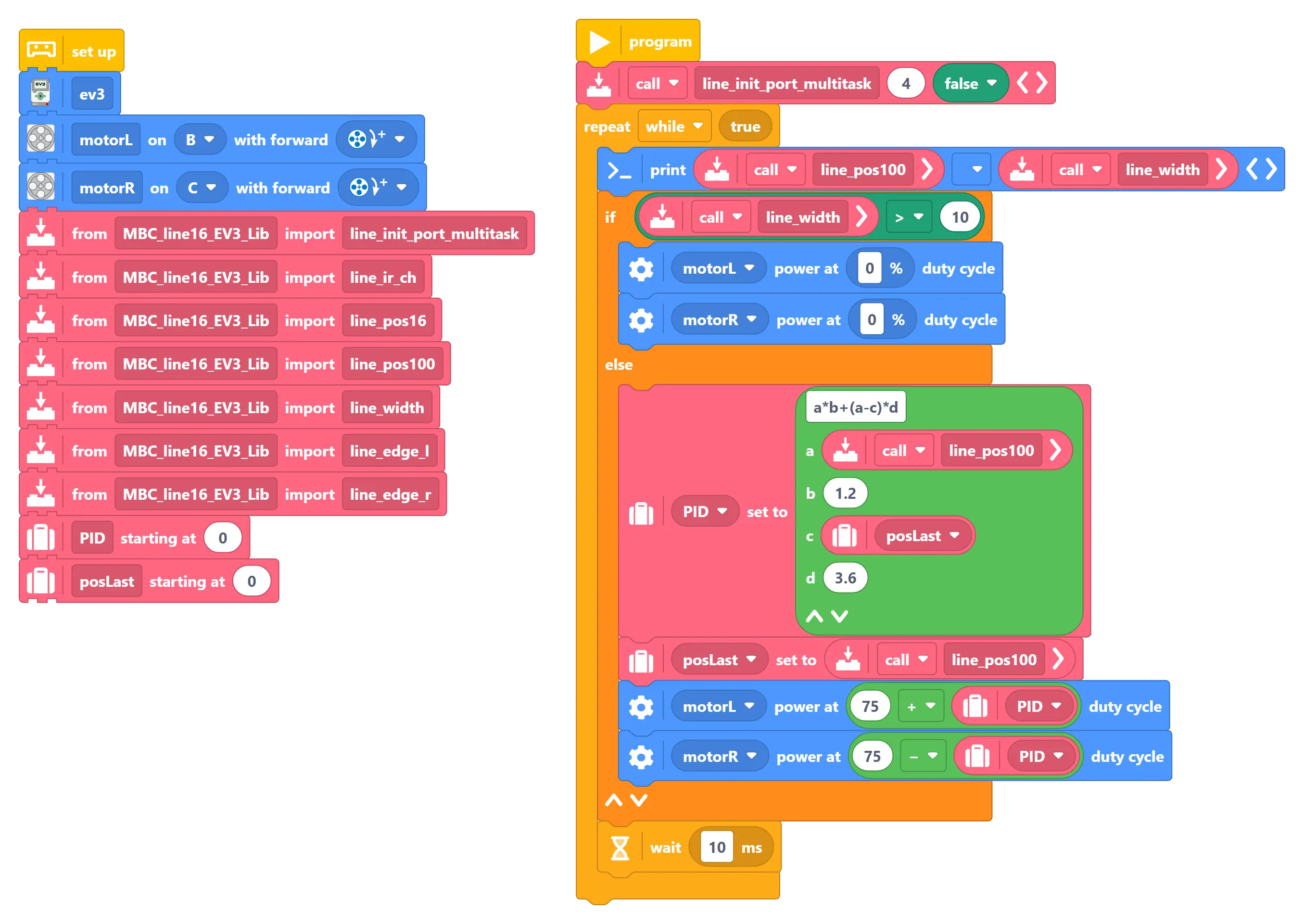
Block Mode (Import Library)
Graphical blocks combined with the exclusive library functions we developed for you, allowing easy access to high-resolution and high-precision values within block development.
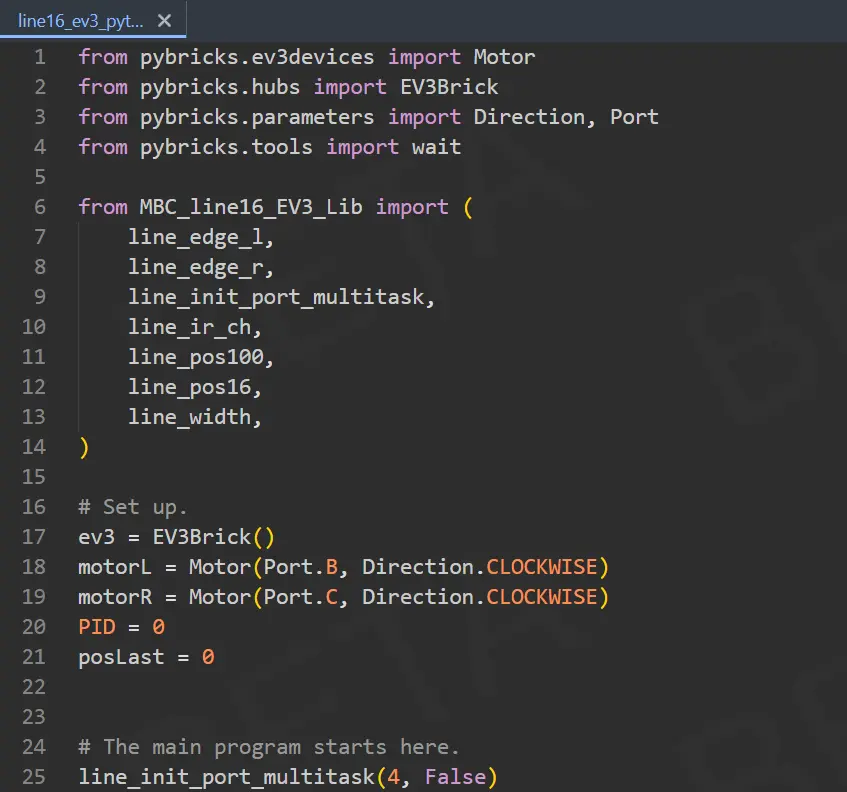
Python Mode (Import Library)
The best solution for advanced competitors! Import the exclusive library for the most underlying complete data calls and high-frequency PID line-following algorithm development.
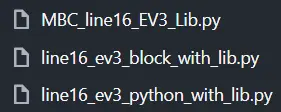
EV3 pyBricks Exclusive Library Function (Library File)
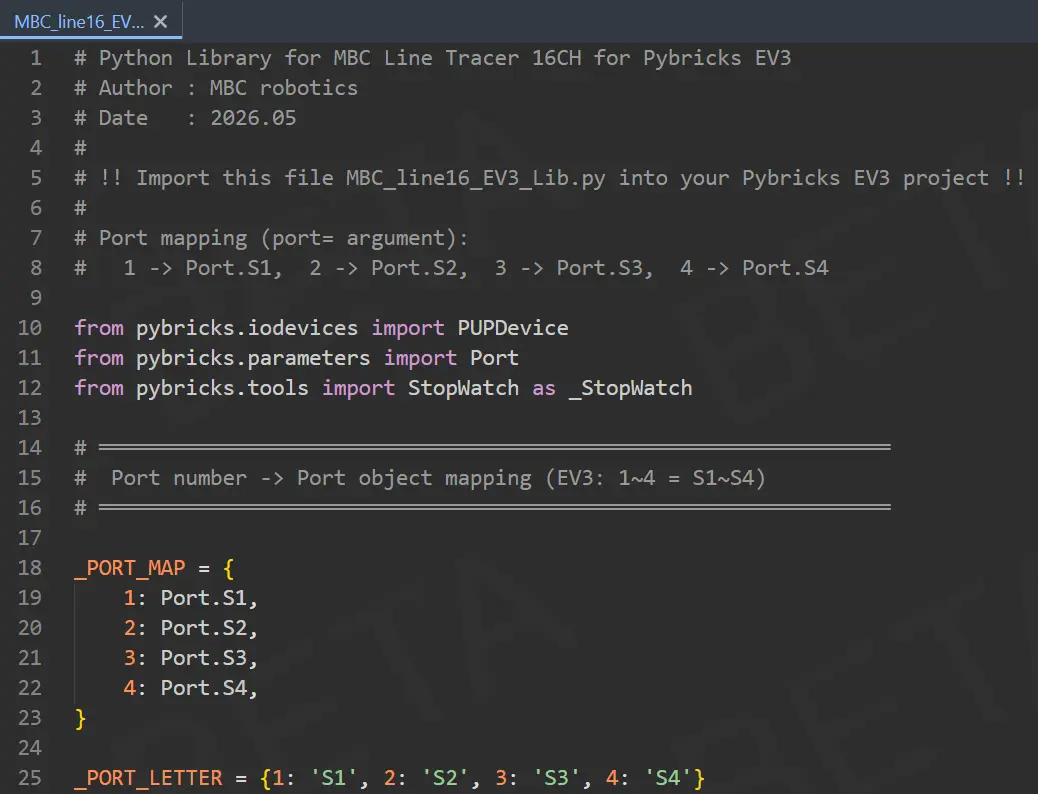
This is the indispensable driver core for the "Import Exclusive Library" examples. Download this library file to perfectly enable high-level interpolated position and 16-channel photoelectric fine reading.
Important Tip: File Placement
Please ensure you import the MBC_line16_EV3_Lib.py file directly into your Pybricks project, and the file name must be exactly the same, so the import command in the main program can load the functions correctly!
Tip
Want to learn more advanced line-following control methods? You can take classes from these awesome coaches! They have rich experience in competitions and teaching, guaranteeing you'll learn a lot! 💯