
Controller PS4/PS5 Bluetooth Receiver
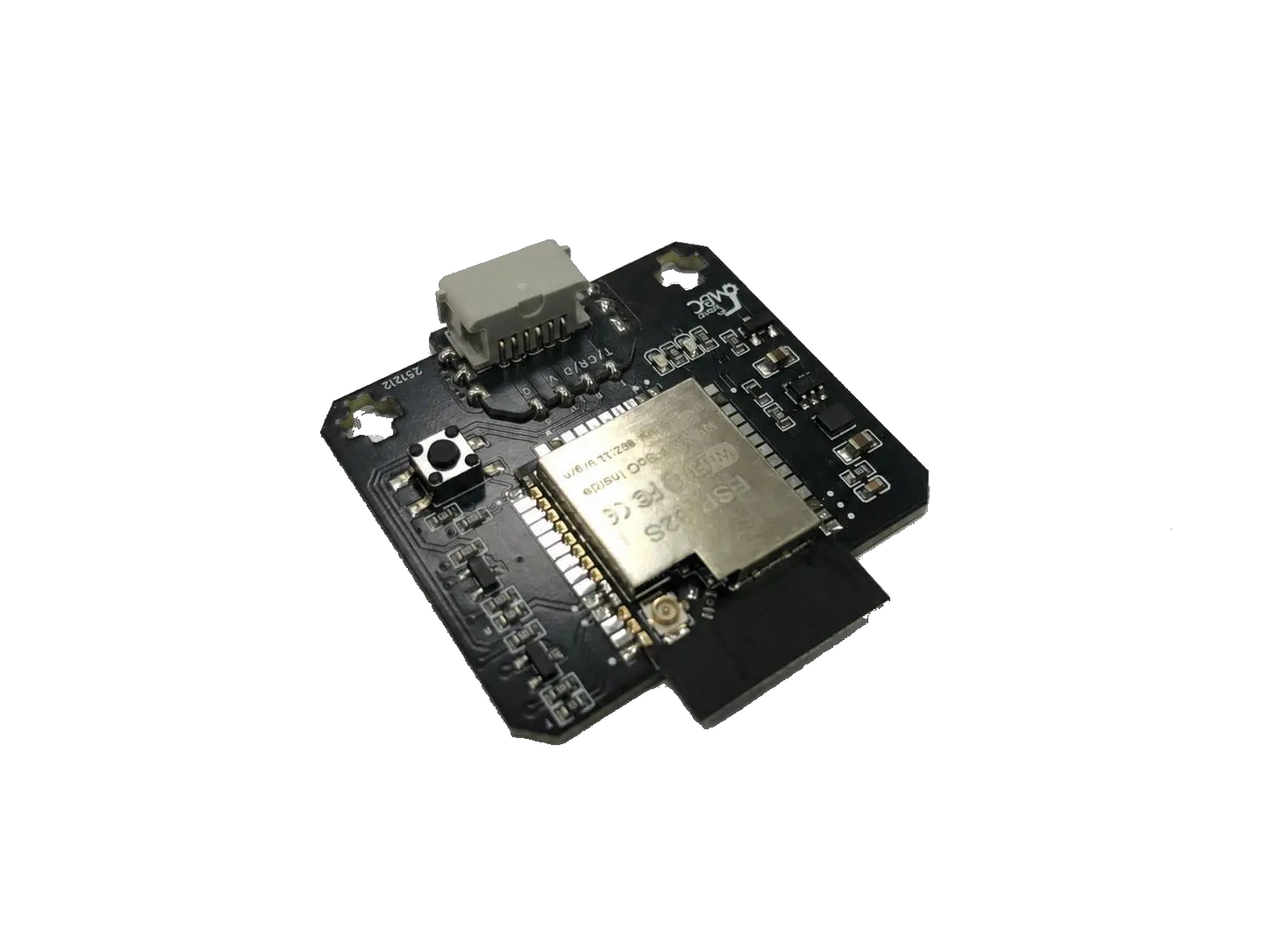
Works with PS4 and PS5 gamepads: bonds to your gamepad only and stops the moment the signal drops — no interference even with dozens of teams around.
MSRP US$100 (shipping not included)
| Editions | SPIKE, EV3, Universal I2C |
|---|---|
| Power | Powered by the controller, no battery needed |
| Wireless | Bluetooth, pairs with a PS4/PS5 controller |
| Warranty | 6 months |
Not for WRO RoboMission runs (no remote control); for remote-control events, classes and demos
WRO rules check · Other competitions · Where to buy
① Pick your host
Only hosts this product supports are listed; pick one, then your software, and the page covers just that software.
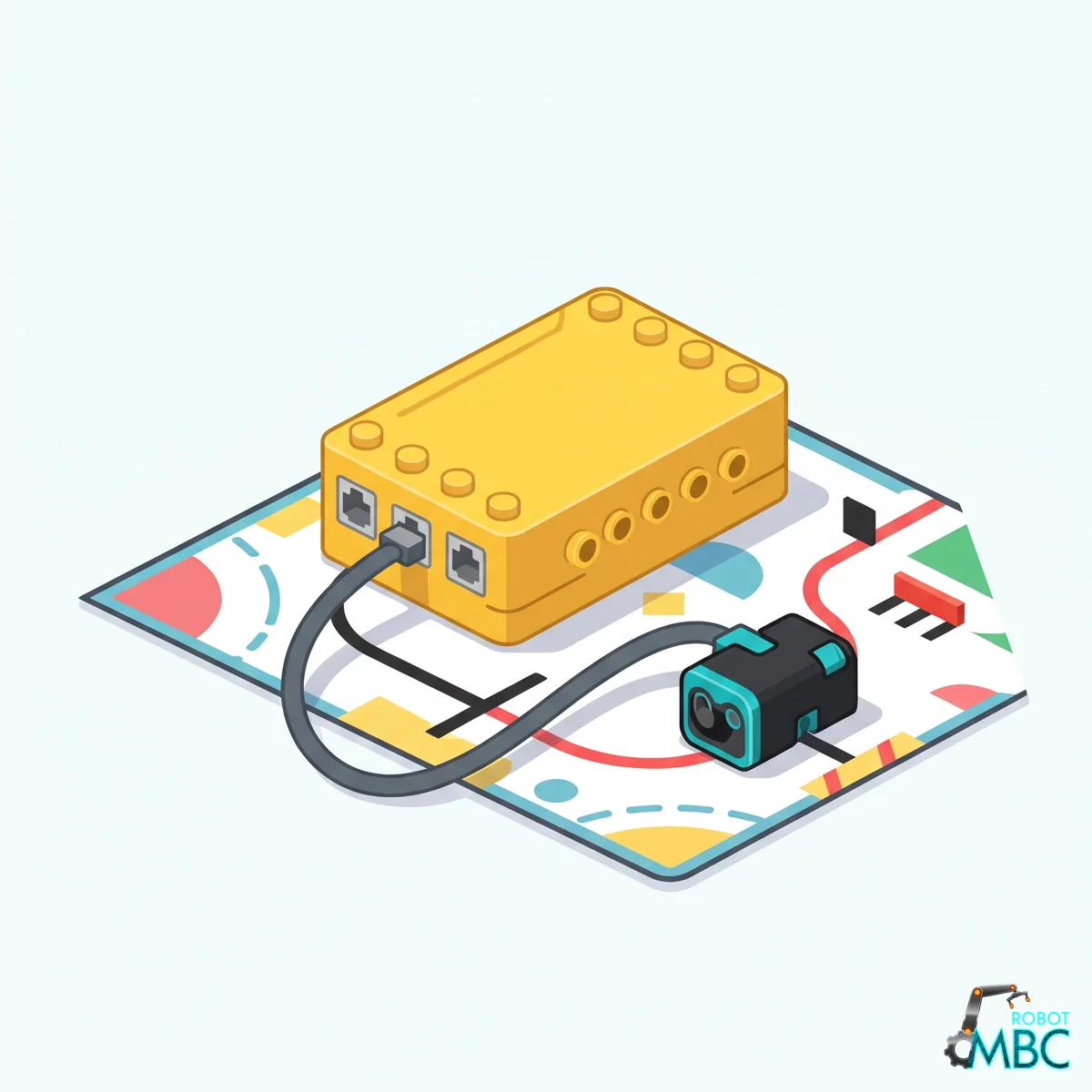 SPIKELEGO SPIKE Prime (yellow hub) and Robot Inventor (teal hub)Official LEGO App · MBC Blocks website · Pybricks
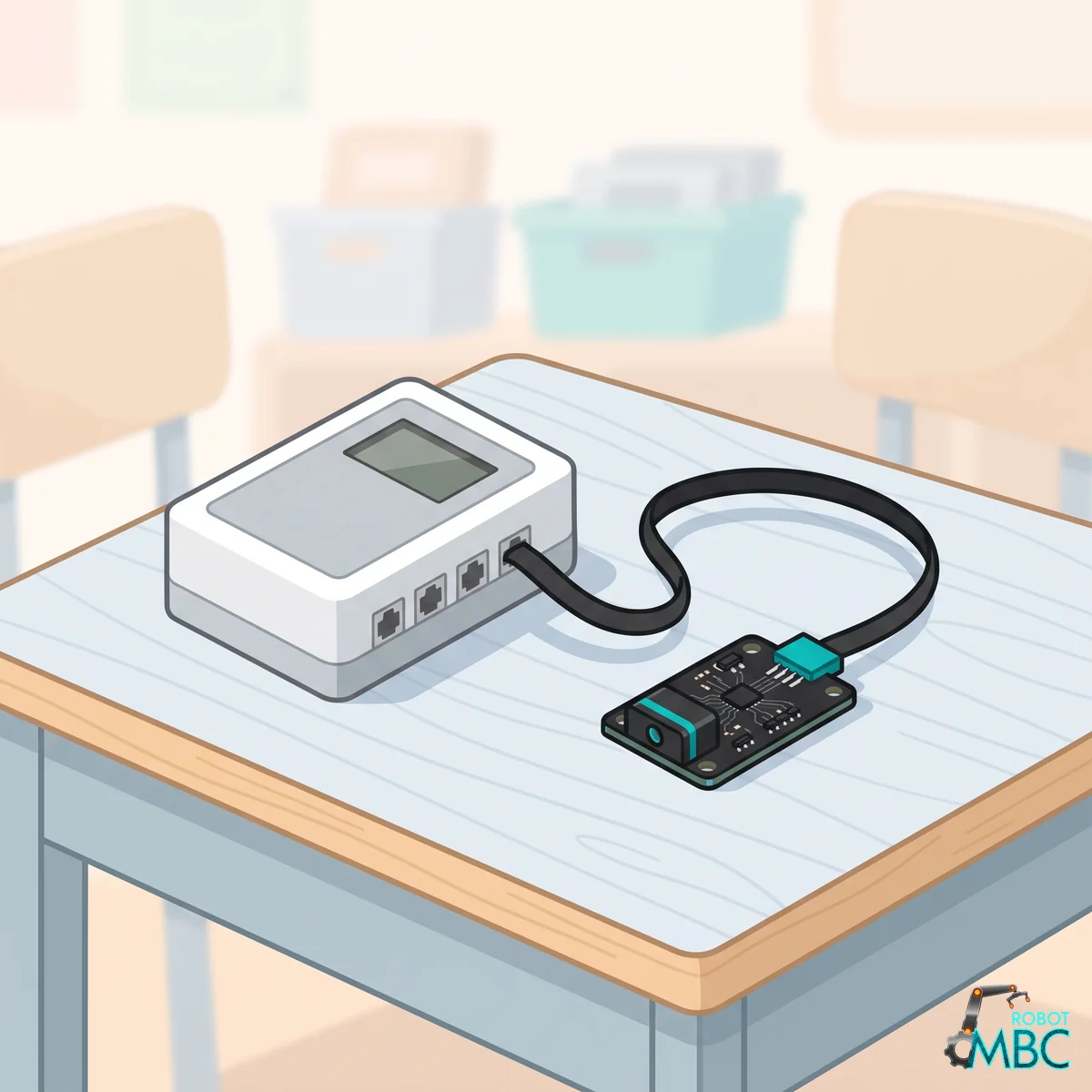 EV3LEGO MINDSTORMS EV3 brick (RJ12 plug)EV3-G · EV3 Classroom · Pybricks · clev3r
 ArduinoArduino UNO, Nano, UNO R4, ESP32 over I2CArduino IDE
 mBlockmBot, Ranger, Orion, MegaPi with mBlock 5 blocksmBlock 5
 MATRIXMATRIX Mini R4 controller with MATRIXblockMATRIXblock stock blocks
 micro:bitmicro:bit V1 / V2 with MakeCode blocksMakeCode
Interactive tutorial
No hub needed: click through it in your browser. Pick a function on the left, watch the code or blocks build up on the right, and drag the simulated sensor to see the values.
SPIKEMicroPython (Pybricks)Pybricks blocksPybricks built-in blocks (no library)MBC Blocks websiteLEGO SPIKE AppLEGO SPIKE App Python
EV3Pybricks / EV3 MicroPythonclev3rEV3 ClassroomEV3-G (LEGO software)
ArduinoArduino IDE
mBlockmBlock 5
MATRIXMATRIXblock
micro:bitMakeCode
Drive LEGO robots with a PS4 or PS5 gamepad: it only listens to your gamepad and stops the moment the signal drops — even with dozens of teams in the room.
Product Overview
Dual-hub Bluetooth setups waste resources and drop out; infrared remotes have few buttons and need line of sight; 2.4G receivers interfere with each other when many robots share a venue.
The Controller PS4/PS5 Bluetooth Receiver lets SPIKE, EV3 or Arduino read every button and stick of a PS4 (DualShock 4) or PS5 (DualSense) gamepad. Pair once and it remembers; after that it reconnects automatically at power-on. At competitions it never connects to another team's gamepad, and if the signal drops all outputs go to zero so the robot cannot run away.
Core Advantages
- Works with PS4 and PS5 gamepads: DualShock 4 and DualSense
- Bonds to your gamepad only: once paired, Bluetooth scanning switches off, so it never grabs another team's gamepad and ignores gamepads pairing nearby — made for venues with dozens of teams
- Stops on signal loss: if no gamepad data arrives for 0.3 s, outputs reset to zero — no runaway robots
- Pairing memory: pair once, reconnects automatically at every power-on
- 📶 Stable link: solid across a normal competition venue (tested up to 100 m in open space)
- 🕹️ Full controls: twin sticks, analog triggers, D-pad and every function button; the I2C edition also controls rumble and the light bar
Controller Series Comparison
| Feature | 2.4G (PS2) | Bluetooth (PS4/PS5) |
|---|---|---|
| Gamepad | PS2 2.4G wireless gamepad | PS4, PS5 gamepads |
| Stability with many devices | ⚠️ May interfere | ✅ Bonds to your gamepad only |
| Pairing memory (auto-connect) | ❌ | ✅ |
| Zero outputs on signal loss | — | ✅ 0.3 s |
| Range | About 10-15 m | Stable across a venue (100 m tested in open space) |
| Analog triggers | ❌ | ✅ |
Supported Platforms
| Platform | How |
|---|---|
| LEGO SPIKE Prime / Robot Inventor | Official app, Pybricks |
| LEGO SPIKE Essential | Not supported |
| LEGO MINDSTORMS EV3 | EV3 official software, Pybricks |
| Arduino / ESP32 / Raspberry Pi | Universal I2C (address 0x42), Arduino Examples |
| MakeBlock (mBot etc.) | Dedicated edition, blocks & wiring |
Important
Each platform is a different factory edition; please order the one that matches your controller.
Pairing
- Plug the receiver into SPIKE (Port A
F) or EV3 (Port 14) and power on. Universal I2C edition: receiver TX → SCL (A5 on the UNO), RX → SDA (A4 on the UNO), VCC → 5V, GND → GND. See the Arduino Examples for details. - First use or switching gamepads: press the Reset button on the receiver. It opens a 30-second pairing window.
- Within those 30 seconds put the gamepad into pairing mode:
- PS4 gamepad: hold SHARE + PS until the light bar flashes rapidly
- PS5 gamepad: hold Create + PS until the light bar flashes rapidly
- The first gamepad that connects is remembered and scanning stops. From then on just switch the gamepad on and it reconnects.
Tip
At a competition, pair at your own table so no other team's gamepad is in pairing mode during those 30 seconds. Bonded the wrong one? Press Reset and pair again.
Example Downloads
| Hub | Files |
|---|---|
| SPIKE App | ps4_demo_spike_prime_v3.4.3.llsp3 |
| Robot Inventor | ps4_demo_robot_inventor_v10.5.0.lms |
| SPIKE (Pybricks 4.1) | Download all (.zip) · Library MBC_gamepad_Lib.py · Shared library MBC_sensors.py (for new projects) · Beginner examples |
| SPIKE (Pybricks 3.6.1, no longer updated) | Old files are under "Legacy (no longer updated)" on the Downloads page |
| mBot etc. (MakeBlock) | Block extension and controller example |
Output Data
Stick values: EV3 0 ~ 99 (50 = center); SPIKE (official app, Pybricks) 1 ~ 9 (5 = center). Pushing up or right increases the value.
EV3 Modes
| Mode | Content |
|---|---|
| 0 | D-pad state |
| 1 | D-pad, left stick X, shape buttons (▲ ● ✕ ■), left stick Y, shoulder buttons (L2 R2 L1 R1), right stick X, function buttons (SHARE L3 R3 OPTIONS), right stick Y |
| 2 | Left stick X, left stick Y, right stick X, right stick Y |
∿ Universal I2C Registers (address 0x42)
0x42)See the MBC Universal I2C Protocol for shared rules and Arduino helpers.
Tip
No coding experience? No problem: see the Arduino Examples. Every example can be copied and uploaded right away, with an English note on every line.
Note
The receiver has built-in level shifting and connects directly to 5 V boards like the Arduino UNO. Wait 2 ms after writing the register number before reading.
How to read: write [ID] → wait 2 ms → read 2×k bytes: k values starting at that ID (each value is an int16, low byte first, k ≤ 16). Unknown IDs return -32768. Values read in one go are from the same instant.
| ID | Value | Content |
|---|---|---|
0x01 |
16 buttons | All 16 buttons in one number (1 = pressed): b0 SHARE, b1 L3, b2 R3, b3 OPTIONS, b4 up, b5 right, b6 down, b7 left, b8 L2, b9 R2, b10 L1, b11 R1, b12 ▲, b13 ●, b14 ✕, b15 ■; 0 when not connected. ⚠️ Read as int16, ■ alone is -32768 (same as "no value"): cast to uint16_t before testing |
0x02 |
D-pad | 0 ~ 15: up 1, right 2, down 4, left 8 (added when pressed together) |
0x03 |
Shape buttons | 0 ~ 15: ▲ 1, ● 2, ✕ 4, ■ 8 |
0x04 |
Shoulder buttons | 0 ~ 15: L2 1, R2 2, L1 4, R1 8 |
0x05 |
Function buttons | 0 ~ 15: SHARE 1, L3 2, R3 4, OPTIONS 8 |
0x06 |
Connected | 1 = gamepad connected with data in the last 300 ms, 0 = not (while disconnected, buttons, sticks and triggers read 0) |
0x07 |
Battery | 0 ~ 100 |
0x08, 0x09 |
L2, R2 analog triggers | 0 ~ 255 (how far pressed) |
0x0A |
System buttons | b0 = PS button, b1 = Capture button (PS5: Mute) |
0x0B |
Gamepad type | 0 = none, 3 = PS4 gamepad, 4 = PS5 or other Bluetooth gamepad |
0x10 ~ 0x13 |
Sticks LX, LY, RX, RY | -100 ~ +100, 0 = center, right / up positive, dead zone applied |
| Command | Parameters | What it does |
|---|---|---|
E5 |
[strength 0 ~ 255] |
Rumble for 200 ms; 0 = stop |
E6 |
[R][G][B], 0 ~ 255 each |
Light bar color, exactly 3 bytes; remembered while disconnected and applied on connect; default blue |
F0 device ID: low byte 0x42, high byte 2 (= PS4; the PS2 receiver reports 1). For F1–F5, F8 (change address) and EF (restart) see the MBC Universal I2C Protocol. How to read it from Arduino, and every value in detail: Arduino IDE guide.
// Uses mbcReadMany() / mbcWrite() from the MBC Universal I2C Protocol page (they wait 2 ms after the ID)
int16_t v[5];
if (mbcReadMany(0x42, 0x01, 5, v)) {   // 0x01 16 buttons, 0x02 D-pad, 0x03 shape, 0x04 shoulder, 0x05 function
  uint16_t btn = (uint16_t)v[0];
  bool cross = btn & (1 << 14);         // ✕ button (b14)
  bool up = v[1] & 1;                   // D-pad: up = 1
}
int16_t s[4];
mbcReadMany(0x42, 0x10, 4, s);          // sticks LX, LY, RX, RY: -100 ~ +100

uint8_t red[3] = {255, 0, 0};
mbcWrite(0x42, 0xE6, red, 3);           // light bar red (exactly 3 bytes)
Interested in this sensor?
Ask us for pricing, bulk / school orders or distributor info. Our engineers reply within 3 business days.