
Controller 2.4G Receiver (PS2)
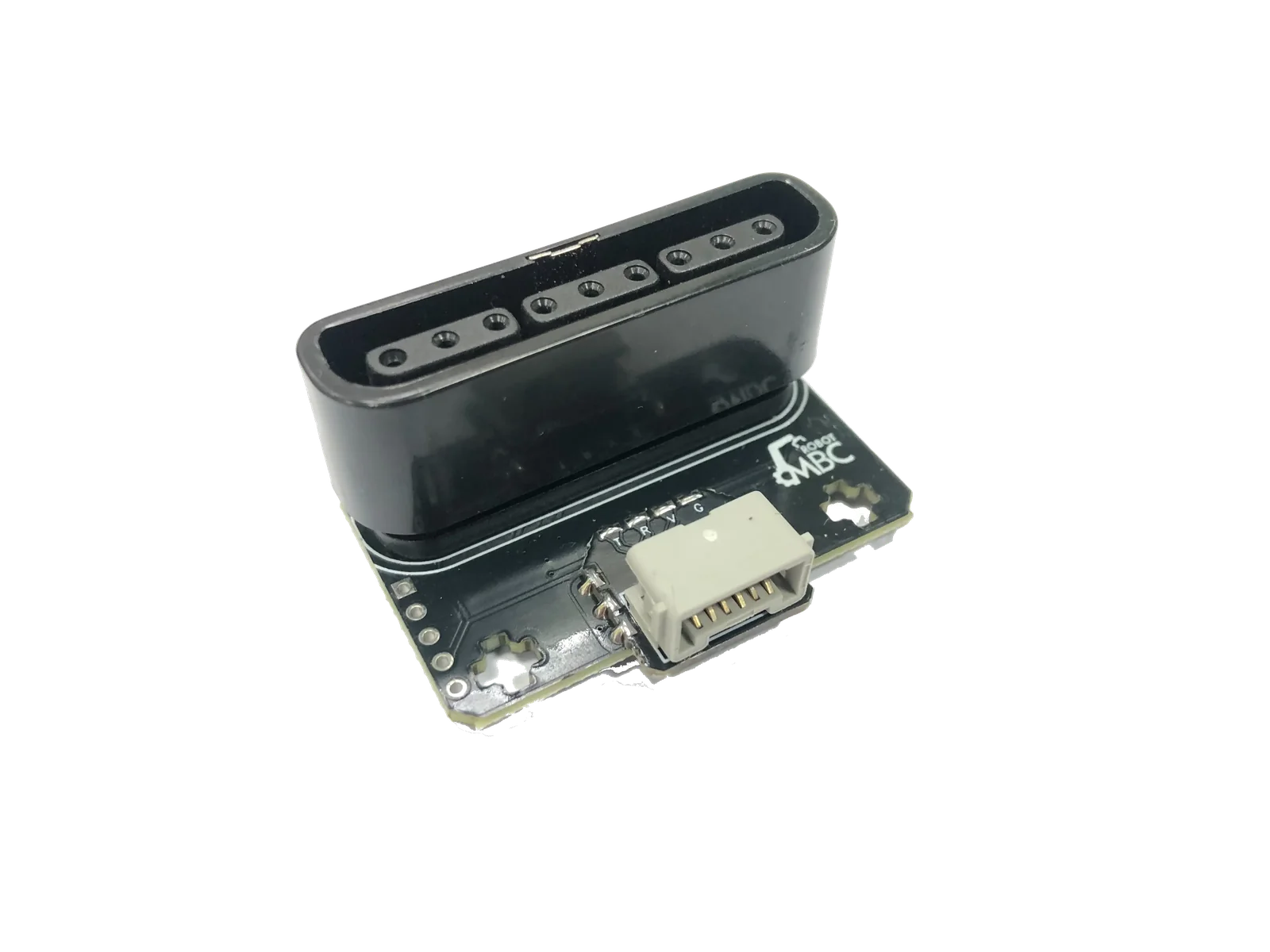
Drive LEGO robots with a PS2 wireless gamepad: twin sticks and 16 buttons, plug and play — the best-value choice for classes and projects.
Available in Taiwan only (not sold outside Taiwan)
| Editions | SPIKE, EV3, Universal I2C |
|---|---|
| Power | Powered by the controller, no battery needed |
| Wireless | 2.4 GHz |
| Availability | Taiwan only |
| Warranty | 6 months |
Not for WRO RoboMission runs (no remote control); for remote-control events, classes and demos
WRO rules check · Other competitions · Where to buy
① Pick your host
Only hosts this product supports are listed; pick one, then your software, and the page covers just that software.
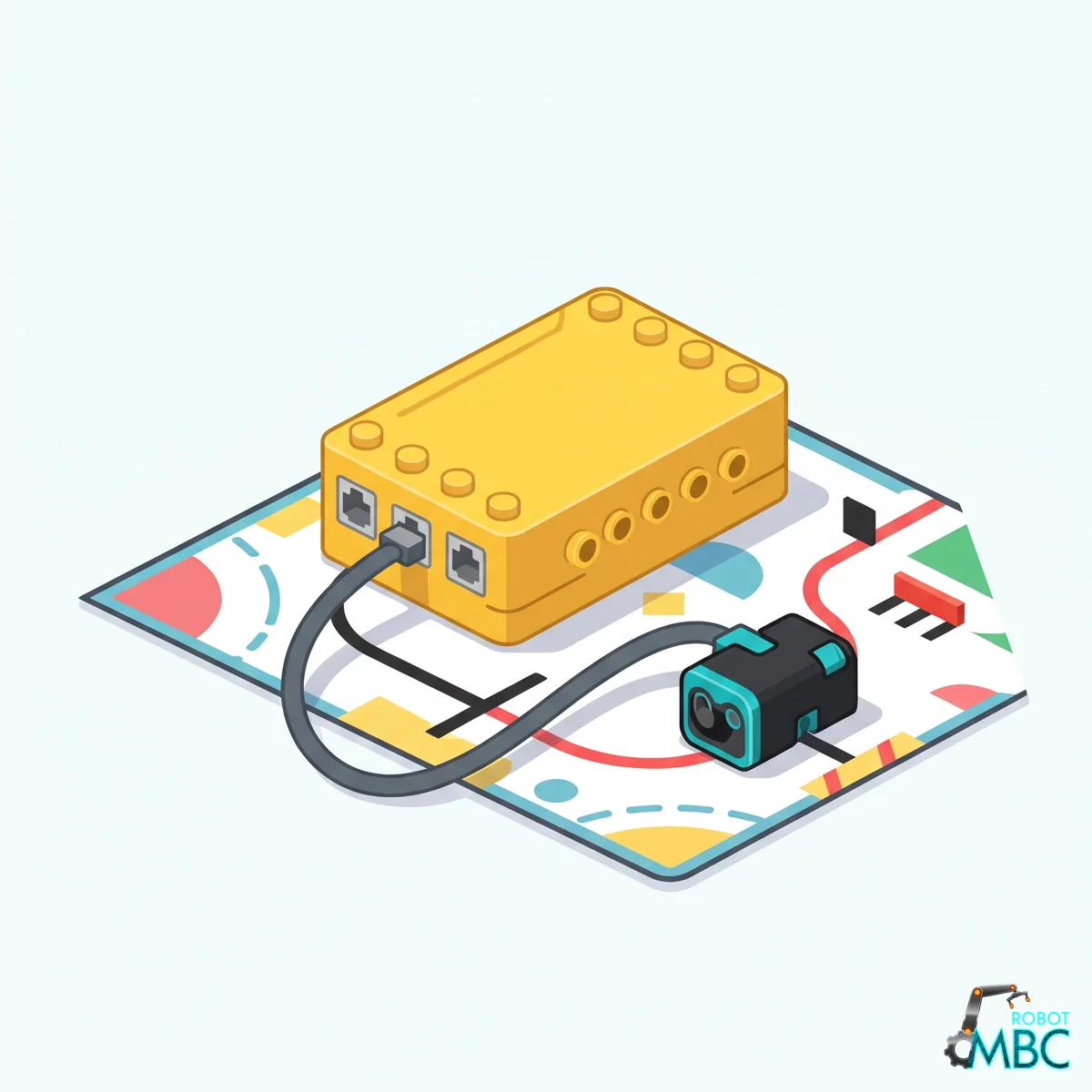 SPIKELEGO SPIKE Prime (yellow hub) and Robot Inventor (teal hub)Official LEGO App · MBC Blocks website · Pybricks
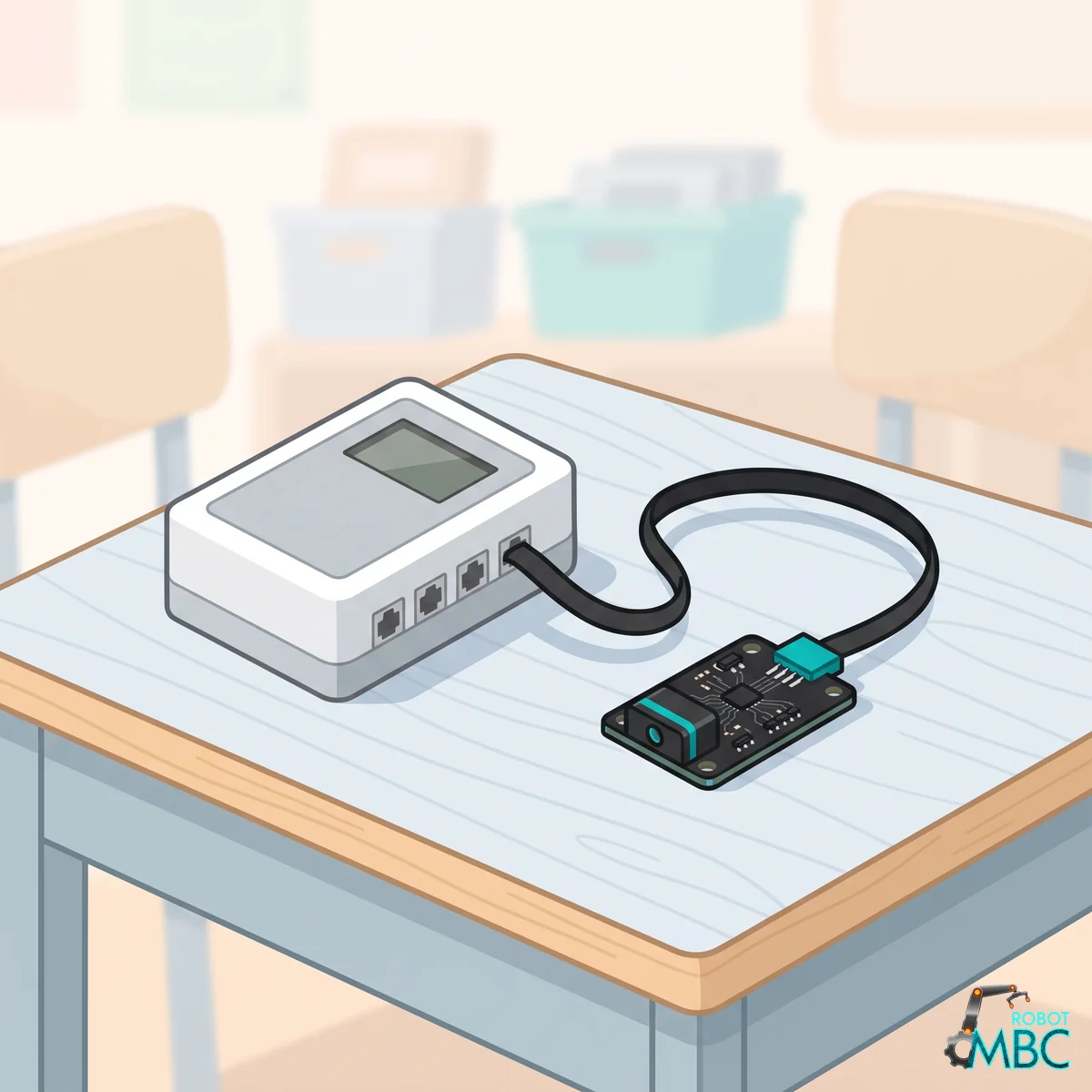 EV3LEGO MINDSTORMS EV3 brick (RJ12 plug)EV3-G · EV3 Classroom · Pybricks · clev3r
 ArduinoArduino UNO, Nano, UNO R4, ESP32 over I2CArduino IDE
 mBlockmBot, Ranger, Orion, MegaPi with mBlock 5 blocksmBlock 5
 MATRIXMATRIX Mini R4 controller with MATRIXblockMATRIXblock stock blocks
 micro:bitmicro:bit V1 / V2 with MakeCode blocksMakeCode
Interactive tutorial
No hub needed: click through it in your browser. Pick a function on the left, watch the code or blocks build up on the right, and drag the simulated sensor to see the values.
SPIKEMicroPython (Pybricks)Pybricks blocksPybricks built-in blocks (no library)MBC Blocks websiteLEGO SPIKE AppLEGO SPIKE App Python
EV3Pybricks / EV3 MicroPythonclev3rEV3 ClassroomEV3-G (LEGO software)
ArduinoArduino IDE
mBlockmBlock 5
MATRIXMATRIXblock
micro:bitMakeCode
Cost-effective entry-level choice: Easily expand your control buttons. The perfect wireless tool for teaching and small projects.
Product Overview
The infrared remote control provided by LEGO offers a frustratingly small number of buttons, and using two EV3 hubs for a Bluetooth connection is extremely resource-intensive and prone to disconnection.
The Controller 2.4G Receiver provides a high cost-performance solution: It allows your SPIKE or EV3 hub to directly read input from a wireless controller featuring dual joysticks and abundant buttons via standard interfaces, unleashing your complete control over the robot.
Core Advantages
- Rich Button Layout: Dual joysticks + directional pad + multiple action buttons, offering vastly more control options than the original remote.
- 💰 High Cost-Performance: The most economical solution for entry-level remote control needs.
- Plug & Play: Plug directly into SPIKE / EV3; official blocks read button states instantly.
Limitations & Recommended Scenarios
Caution
2.4G Frequency Band Notice 2.4GHz is a public frequency band shared with Wi-Fi, microwaves, etc. When 12 or more sets of equipment are used simultaneously in the same venue, interference may occur due to channel congestion. We recommend upgrading to the Bluetooth version (PS4/PS5) for such scenarios.
| Scenario | Suitability |
|---|---|
| Personal practice, home use, small projects | ✅ Highly suitable |
| School clubs (under 10 sets) | ✅ Suitable |
| Large competition venues (12+ sets simultaneously) | ⚠️ Recommend the PS4/PS5 version |
Supported Platforms
| Platform | How |
|---|---|
| LEGO SPIKE Prime / Robot Inventor | Official app, Pybricks |
| LEGO SPIKE Essential | Not supported |
| LEGO MINDSTORMS EV3 | EV3 official software, Pybricks |
| Arduino / ESP32 / Raspberry Pi | Universal I2C (address 0x42), Arduino Examples |
| MakeBlock (mBot etc.) | Dedicated edition, blocks & wiring |
Important
Each platform is a different factory edition; please order the one that matches your controller.
Example Downloads (Taiwan only)
| Hub | Files |
|---|---|
| SPIKE (Pybricks 4.1) | Download all (.zip) · Library MBC_gamepad_Lib.py · Shared library MBC_sensors.py (for new projects) · Beginner examples |
| SPIKE (Pybricks 3.6.1, no longer updated) | Old files are under "Legacy (no longer updated)" on the Downloads page |
| EV3 / SPIKE App / Pybricks blocks | Command guide (PDF) |
| mBot etc. (MakeBlock) | Block extension and controller example |
Output Data
Stick values: EV3 0 ~ 99 (50 = center); SPIKE (official app, Pybricks) 1 ~ 9 (5 = center). Pushing up or right increases the value.
| EV3 mode | Content |
|---|---|
| 0 | D-pad state |
| 1 | D-pad, left stick X, shape buttons (▲ ● ✕ ■), left stick Y, shoulder buttons (L2 R2 L1 R1), right stick X, function buttons (SELECT L3 R3 START), right stick Y |
| 2 | Left stick X, left stick Y, right stick X, right stick Y |
∿ Universal I2C Registers (address 0x42)
0x42)Same register table as the PS4/PS5 receiver, so host code can be shared. Shared rules: MBC Universal I2C Protocol.
Tip
No coding experience? No problem: see the Arduino Examples. Every example can be copied and uploaded right away, with an English note on every line.
How to read: write [ID] → wait 2 ms → read 2×k bytes: k values starting at that ID (each value is an int16, low byte first, k ≤ 16). Unknown IDs return -32768. Values read in one go are from the same instant.
| ID | Value | Content |
|---|---|---|
0x01 |
16 buttons | All 16 buttons in one number (1 = pressed): b0 SELECT, b1 L3, b2 R3, b3 START, b4 up, b5 right, b6 down, b7 left, b8 L2, b9 R2, b10 L1, b11 R1, b12 ▲, b13 ●, b14 ✕, b15 ■; 0 when not connected. ⚠️ Read as int16, ■ alone is -32768 (same as "no value"): cast to uint16_t before testing |
0x02 |
D-pad | 0 ~ 15: up 1, right 2, down 4, left 8 (added when pressed together) |
0x03 |
Shape buttons | 0 ~ 15: ▲ 1, ● 2, ✕ 4, ■ 8 |
0x04 |
Shoulder buttons | 0 ~ 15: L2 1, R2 2, L1 4, R1 8 |
0x05 |
Function buttons | 0 ~ 15: SELECT 1, L3 2, R3 4, START 8 |
0x06 |
Connected | 1 = gamepad connected, 0 = not (while disconnected all buttons and sticks read 0) |
0x07 |
Battery | PS2 pads report no battery: always 0 |
0x08, 0x09 |
L2, R2 analog | 0 ~ 255 (pressure only on a DualShock 2 in analog mode; otherwise pressed = 255, released = 0) |
0x0A |
System buttons | PS2 pads have none: always 0 |
0x0B |
Gamepad type | 0 = none, 1 = digital mode, 2 = analog mode |
0x10 ~ 0x13 |
Sticks LX, LY, RX, RY | -100 ~ +100, 0 = center, right / up positive (within ±7 of center reads as center); the sticks only move when the pad's ANALOG light is on |
Commands E5 (rumble) and E6 (light bar) are acknowledged but ignored by the PS2 receiver (PS2 pads have no light bar, and rumble is turned off). F0 device ID: low byte 0x42, high byte 1 (= PS2). For F1–F5, F8 (change address) and EF (restart) see the MBC Universal I2C Protocol. How to read it from Arduino, and every value in detail: Arduino IDE guide.
Hardware Wiring
- SPIKE / EV3 edition: plug the receiver into SPIKE (Ports A
F) or EV3 (Ports 14). Universal I2C edition: receiver TX → SCL (A5 on the UNO), RX → SDA (A4 on the UNO), VCC → 5V, GND → GND. See the Arduino Examples for details - Power on the controller and wait for pairing to complete (indicator light remains steady).
- Read sensor values in the official block environment to retrieve button states.
Interested in this sensor?
Ask us for pricing, bulk / school orders or distributor info. Our engineers reply within 3 business days.