
MBC EXP6 6-Port Motor Expander (for LEGO® SPIKE™) × SPIKE Prime / Robot Inventor
Using the MBC EXP6 6-Port Motor Expander (for LEGO® SPIKE™) with SPIKE Prime / Robot Inventor: check the edition and the wiring, then pick your software; its page covers that software only.
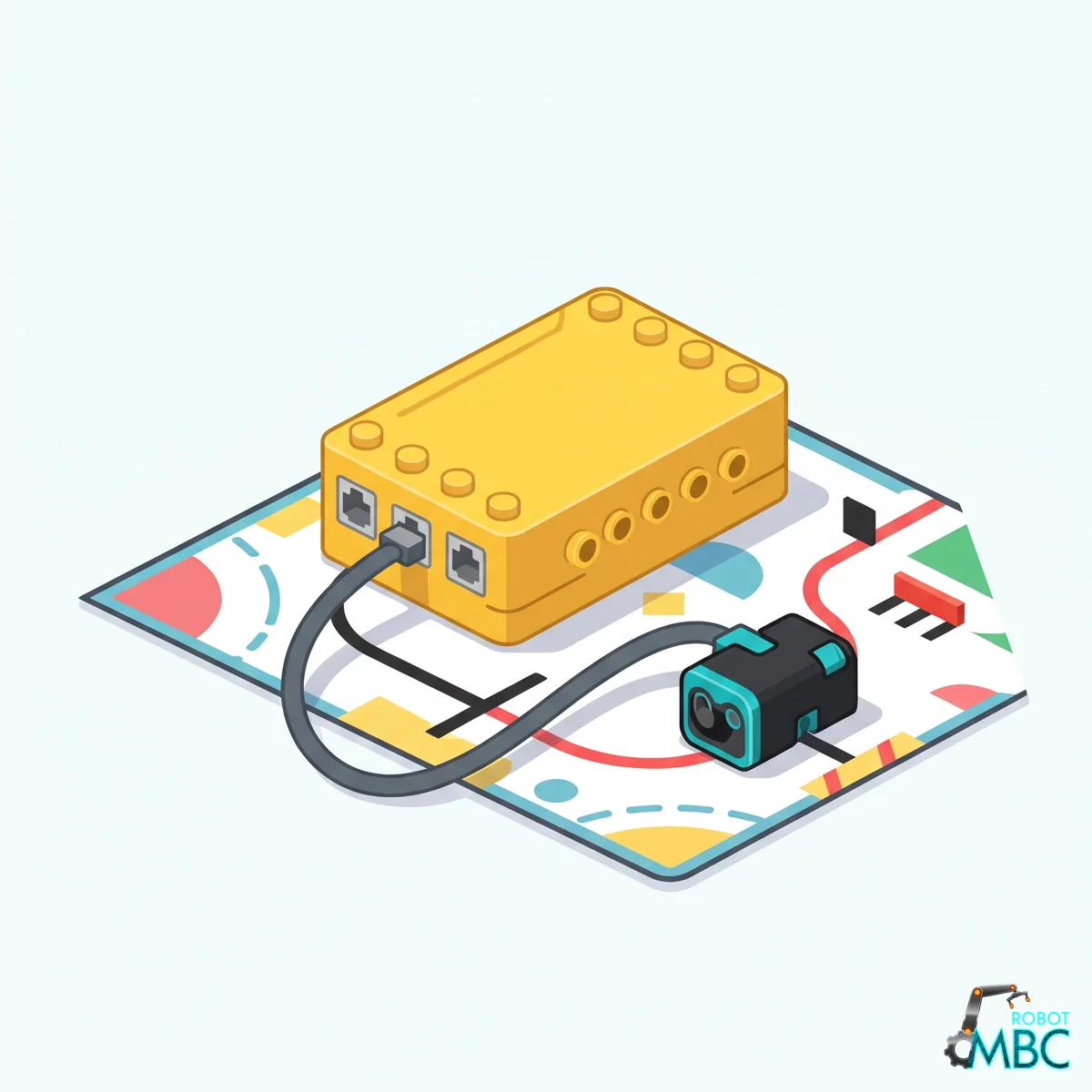
Which edition
Plug the EXP6 host cable into any SPIKE Prime port (SPIKE Prime; on a Robot Inventor (51515) hub, Python in the Robot Inventor App only; not EV3) and connect a separate power supply for the motors.
② Pick your software
 Official LEGO AppWhat most schools use; no firmware change, read with the colour-sensor blocksMBC Blocks websiteBlock coding with every value available; hub runs Pybricks firmware
 PybricksType Python: fastest and most complete; the pick of competition teams
Interactive tutorialSPIKE
No hub needed: click through it in your browser. Pick a function on the left, watch the code or blocks build up on the right, and drag the simulated sensor to see the values.
MicroPython (Pybricks)Pybricks blocksMBC Blocks websiteLEGO SPIKE AppLEGO MINDSTORMS Robot Inventor App Python