
IMU 9-Axis Gyro × MINDSTORMS EV3
Using the IMU 9-Axis Gyro with MINDSTORMS EV3: check the edition and the wiring, then pick your software; its page covers that software only.
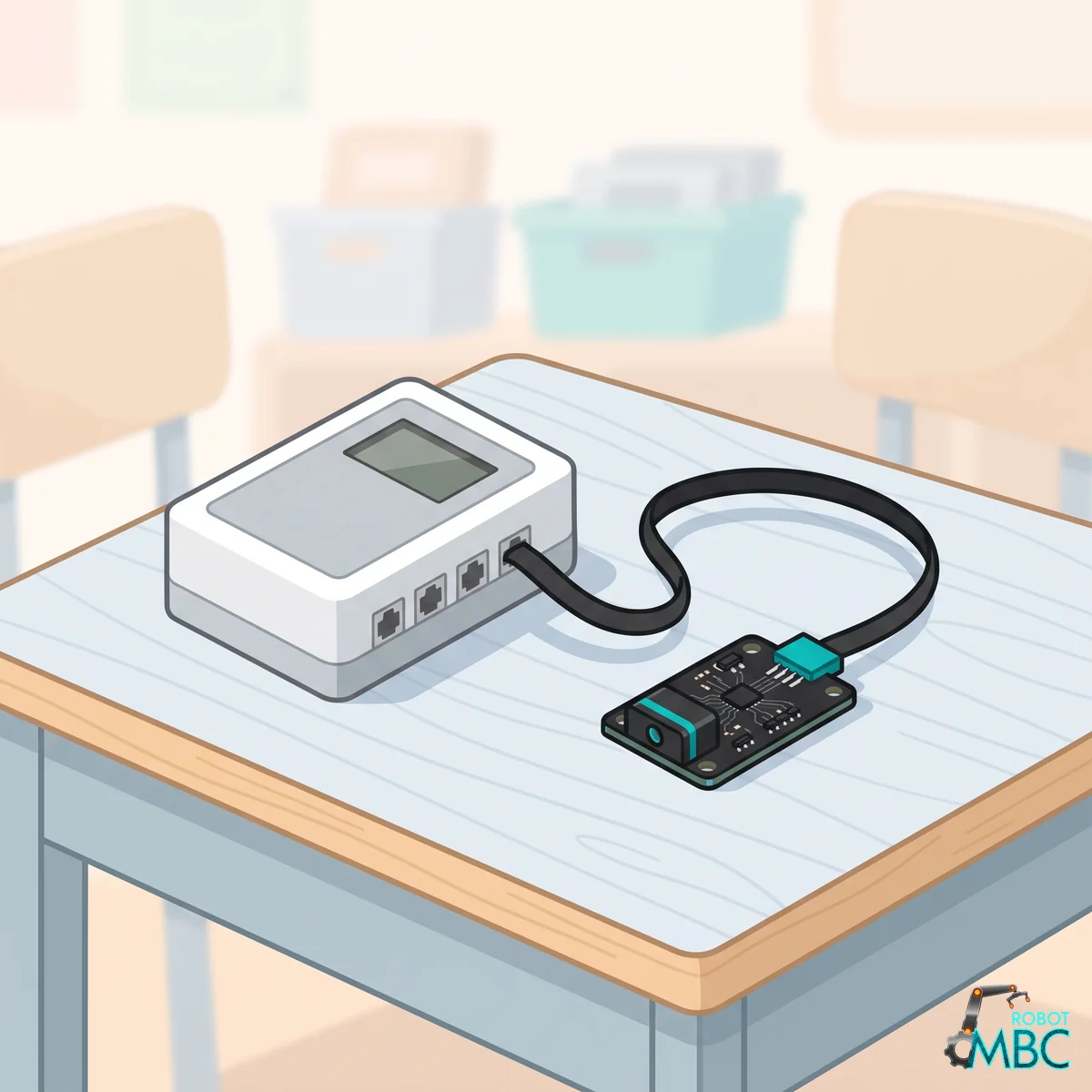
Which edition
Get the EV3 edition (RJ12 plug) and plug it into sensor port 1~4. Power the EV3 on first, then plug the sensor in, pushing the plug all the way in, in one go. If the EV3 detects the wrong device (NXT I2C or Energy Meter) or the numbers freeze, unplug it and plug it back in.
Tip
Tested on the stock EV3 firmware (2026-11-02): detected as the LEGO gyro sensor, the stock gyro reset block works, all 7 modes read correctly, and 300 mode switches plus continuous reading never dropped the connection. ev3dev: supported.
Wiring
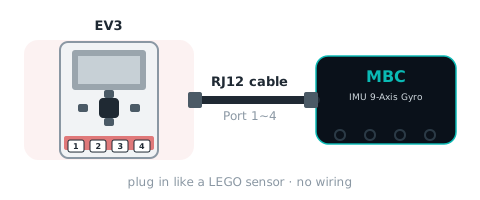
② Pick your software
 EV3-GCommon in school labs and WRO teams
 EV3 ClassroomSame blocks as SPIKE; easy for first-time EV3 users
 PybricksPython code with access to every mode
 clev3rBASIC text code for existing clev3r users
Interactive tutorialEV3
No hub needed: click through it in your browser. Pick a function on the left, watch the code or blocks build up on the right, and drag the simulated sensor to see the values.
Pybricks / EV3 MicroPythonclev3rEV3 ClassroomEV3-G (LEGO software)