
SharpShot Vision (ESP32CAM) × MINDSTORMS EV3
Using the SharpShot Vision (ESP32CAM) with MINDSTORMS EV3: check the edition and the wiring, then pick your software; its page covers that software only.
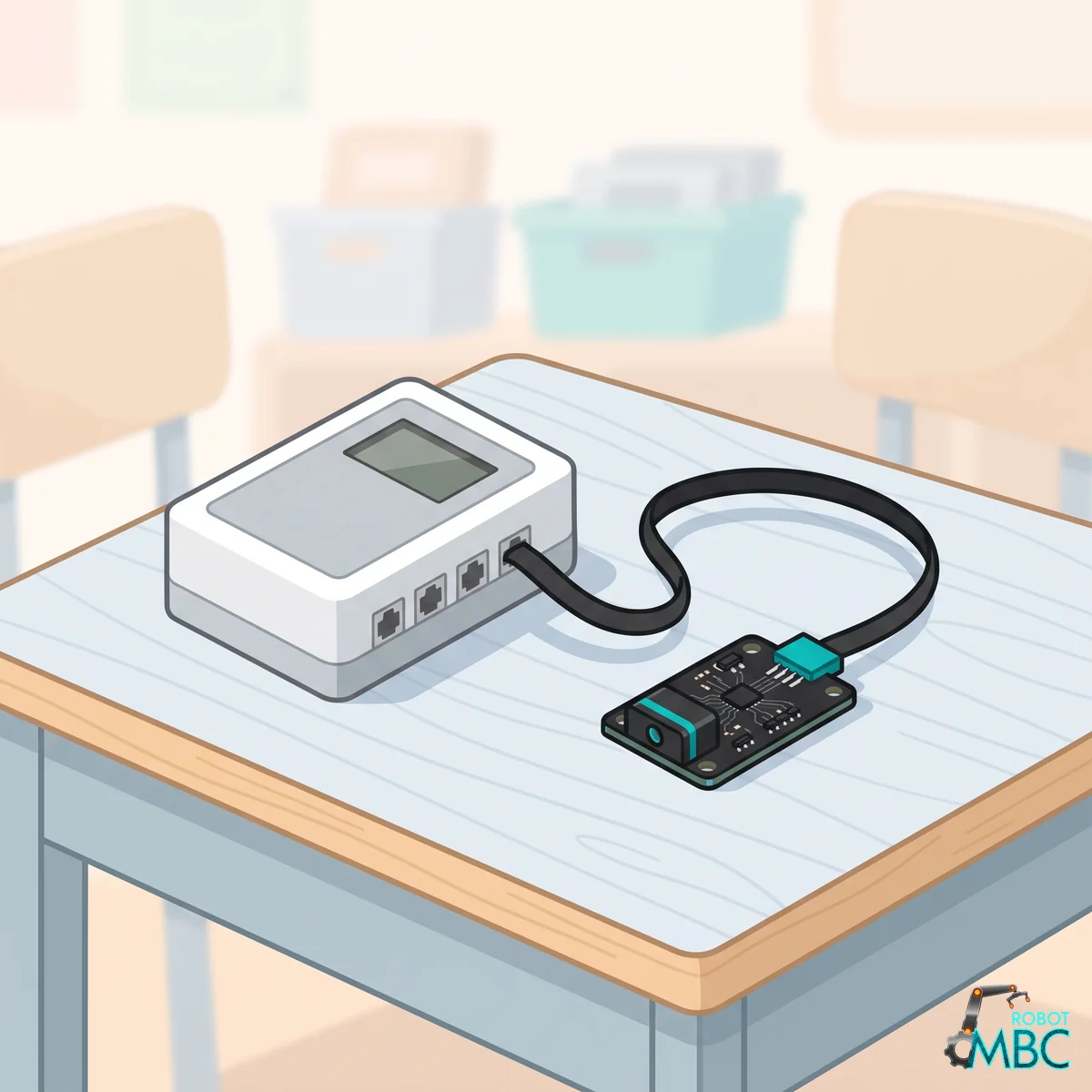
Which edition
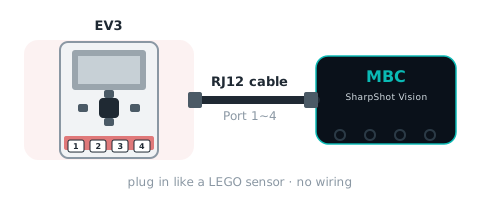
Get the EV3 edition (RJ12 plug) and plug it into sensor port 1~4. Power the EV3 on first, then plug the sensor in; replug if the numbers freeze.
Wiring
② Pick your software
 EV3-GCommon in school labs and WRO teams
 EV3 ClassroomSame blocks as SPIKE; easy for first-time EV3 users
 PybricksPython code with access to every mode
 clev3rBASIC text code for existing clev3r users
Interactive tutorialEV3
No hub needed: click through it in your browser. Pick a function on the left, watch the code or blocks build up on the right, and drag the simulated sensor to see the values.
School editionPybricks / EV3 MicroPythonclev3rEV3 ClassroomEV3-G (LEGO software)
WRO editionPybricks / EV3 MicroPythonclev3rEV3 ClassroomEV3-G (LEGO software)